
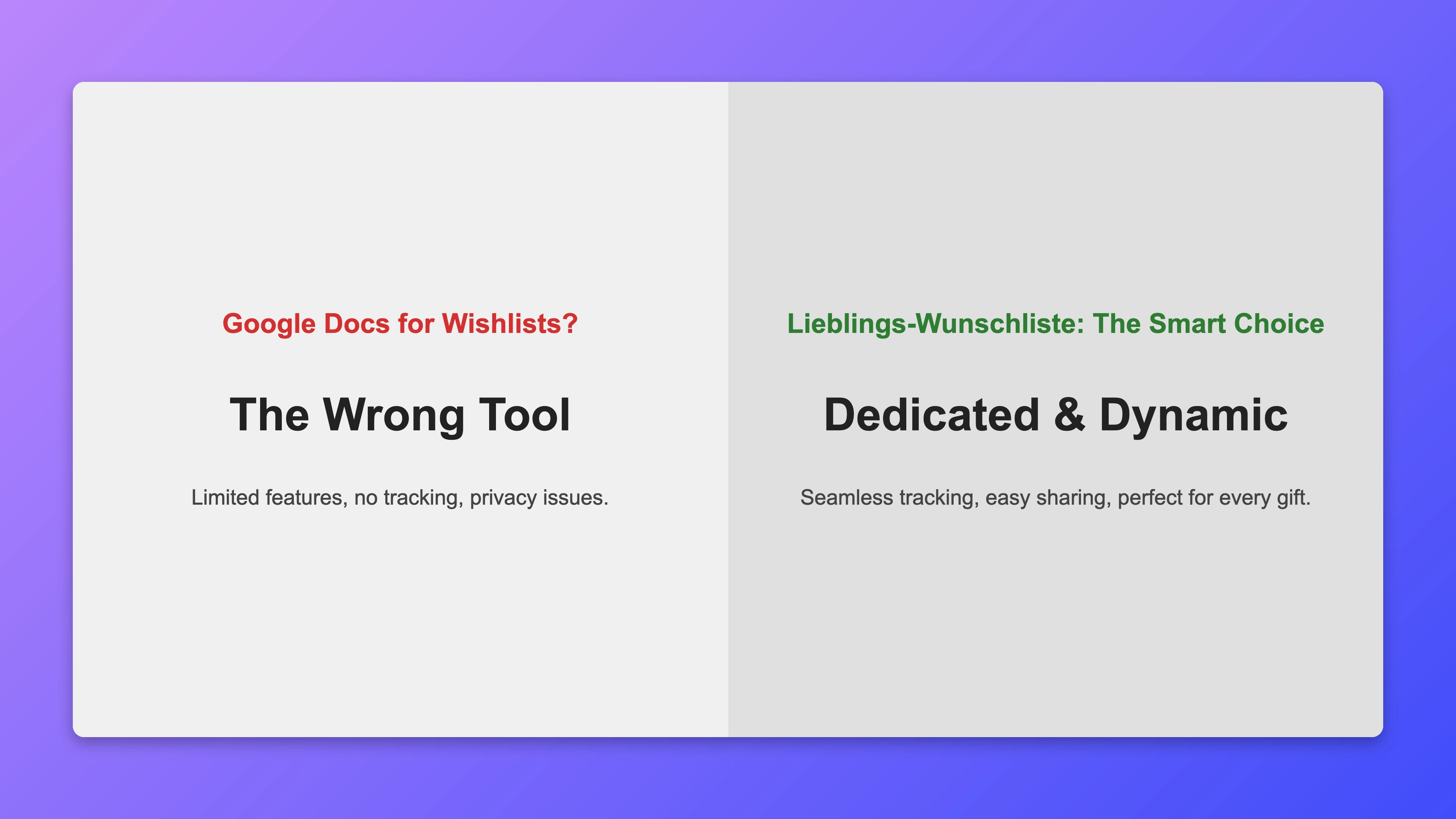
Today, digital tools make almost everything easier, so it's tempting to use familiar apps for stuff they weren't made for. Google Docs is everywhere, easy to share, and used for everything from team projects to simple lists. But for a personal wishlist? It quickly becomes frustrating. It has basics, but misses the special features that make a list really smooth and fun for you and your givers.
The So-Called Simplicity: Where Google Docs Flops
At first, a Google Doc looks super easy: Type wishes, add a link, share with fam. But when you think about gifting and receiving, it falls apart. How mark something as bought? How add images or details without mess? How avoid duplicates or keep it private? Google Docs as a text tool can't handle that smoothly.
Missing Structure and Cool Media Stuff
A wishlist is more than words – it's visual and descriptive. Google Docs has basic formatting, but embedding product pics, colors, sizes, or direct links? Annoying. You get a texty mess where givers copy links manually and hunt for images – errors everywhere! A real wishlist platform integrates details, pics, links smooth, often auto from URLs.
No Real Teamwork or Tracking
The biggest downside with Google Docs is no smart collaboration. In group gifting, no easy way to mark items as 'bought' discreetly without showing you. Leads to awkward talks, duplicates, or misses. Real platforms have anonymous reserving – givers coordinate without spoiling surprise, no doubles.
Limited Usability and Experience
Google Docs is popular, but the interface is not made for wishlists. No intuitive filters, sorts, or searches like on real platforms. Givers scrolling through long, messy docs to find gifts? Boring, kills the fun. A good wishlist platform has a clean, friendly interface for easy browsing and picking.
The Better Choice: Real Wishlist Platforms
Special platforms like Lieblings-Wunschliste are built to fix these issues. They have features like:
- Full Details: Easy add images, descriptions, sizes, colors, and links.
- Fulfillment Tracking: Anonymous reserving to avoid doubles.
- Privacy Control: Only people with your link see the list.
- Price Tracking: Keep an eye on price changes.
- Easy Sharing: Share via link, QR, email, or social.
Bottom line: Google Docs is versatile, but wrong for wishlists. For smooth, efficient, joyful gifting for you and your loves, spend a minute on a real platform. It turns chaos into fun, everyone gets what they want, no hassle.